Planning Pod is fully customizable to fit any of your event management and business needs, regardless of what business you are in. Let us create the right solution for you from our 40+ time-tested tools.
Learn about Planning Pod and why 70,000+ event and hospitality professionals have chosen our platform and company to help them manage their events and businesses.
Access expert guidance and insights via our blog, webinars and white papers. Learn about using our platform via our Help Center. Or contact us with questions.
Streamline your communications with battle-tested event email software
Take control of your event email communications with a centralized, end-to-end solution
Manage every email related to your events in one consolidated inbox
Easily send and receive event-related emails
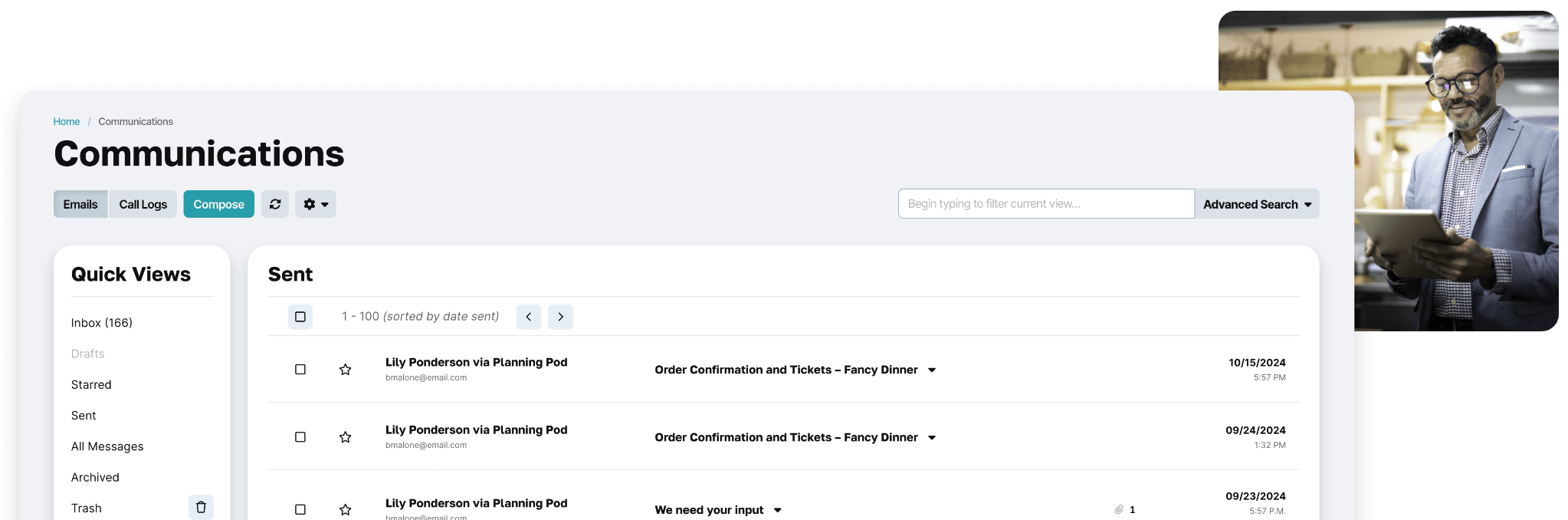
Gone are the days of having important emails scattered across different email accounts and multiple team members. Our event email app lets you send and receive email from multiple accounts and monitor all email activity for your events and business communications.
Connect one or more existing email addresses
Our event email program integrates with any email account - including Gmail, Outlook/Microsoft Live, iCloud, and Yahoo! Mail - so you and your team can send and receive emails from your business or individual accounts. Add as many accounts as you need!
Save time with automations and reusable templates
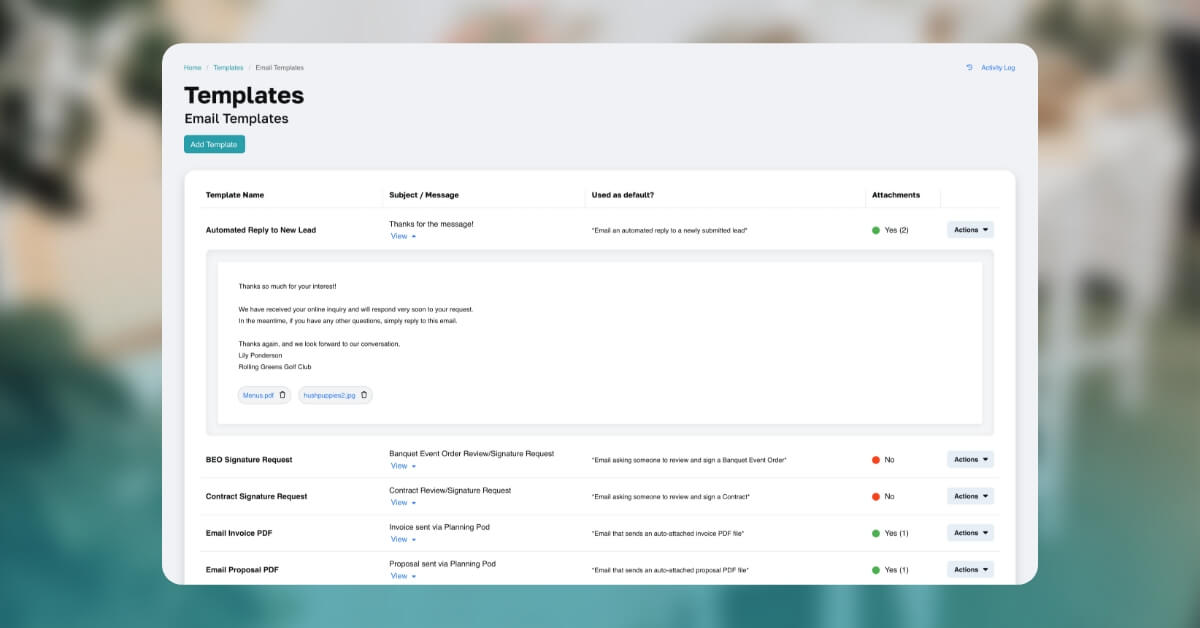
Our automation tools make it easy to set up automated email notifications or email sequences - great for following up with leads or clients. If you send out the same messages frequently, you can build unlimited, reusable event email templates for any topic. Plus create a personalized email signature for each email account you connect and customize your own branded HTML email layout.
Effortlessly attach files and documents
Our event communications tool lets you attach files and PDFs to emails from any event or lead in your account as well as files from your device. And when you link an email to an event or lead, it automatically adds any sent or received attachments to the Files area for that event/lead.
Includes popular features like archiving
There’s no learning curve in using our event email program because it works like any full-featured email client. Archive and delete emails individually or in bulk. Mark emails as priority. Quickly search and sort by email address, subject line or content. And much more.
See why over 70,000 event and hospitality professionals rely on our online event email software tools
"Whereas emails usually stay within a single person's email account, Planning Pod’s email tools allow our team to manage all our event emails in the same place and connect with contacts in our account."
A closer look at Planning Pod’s event email solutions
Discover how event professionals upgrade how they manage emailing with our communications tools
Centralized Email Hub
Manage all email communications from one common inbox related to your events and business and have a consolidated record of all emails that have been sent and received.
Email Address Integrations
Connect one or more existing email addresses to your Planning Pod account to send/receive emails. Compatible with most platforms, including Gmail, Outlook/Microsoft Live, Yahoo, iCloud.
Sending From Multiple Addresses
Set up an email address for each of your internal users/team members and set permissions for who can send out emails from each of those addresses.
Customizable Email Templates
Build out unlimited event email templates that you can use over and over again and share with other users. Customize templates for automated emails sent from your account (like reminders).
Personal Email Signatures
Create a separate email signature for each email address you add to your account. Add contact information, social media links, more.
HTML Design Customization
Brand the HTML layout for automated emails sent from your account with your organization’s name, logo, and colors.
Linking Emails to Events/Leads
Easily organize your sent and received emails by linking them to your events and leads. A great way to segment and view all communications related to each event or prospective event.
Email Attachments
Easily attach files and PDFs from events and leads you are managing in your Planning Pod account. Or attach files from your device and automatically add them to a specific event/lead.
Email Search/Sort
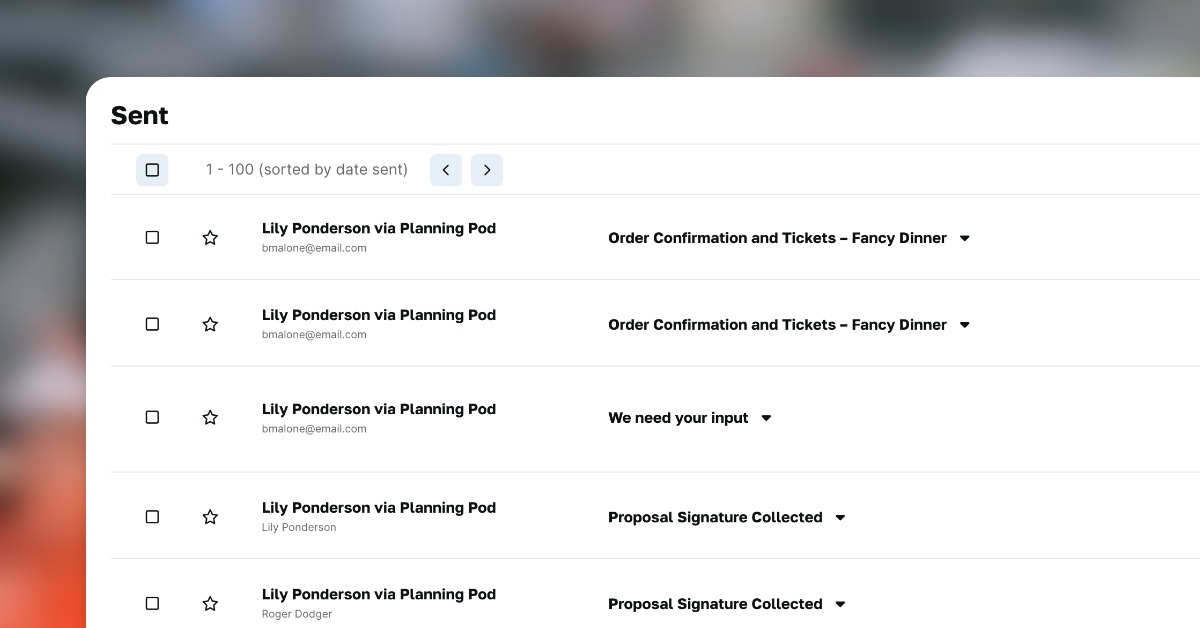
Use Quick Views to view your inbox plus sent, starred, archived and deleted email messages. Also search/sort your sent and received emails by email address, subject, and content.
Email Batch Management
Perform actions to multiple email messages at once, like marking as read/unread, linking to events/leads, archiving or moving to trash.
Default Email Settings
Set defaults for which email addresses will send out automated emails related to event to-do’s/tasks, invoices/payments, proposals, contract signatures, form completion requests, and more.
Email Archiving / Deleting
Archive the emails you want out of your inbox but need for future reference … permanently delete the ones you no longer need.
Related Tools
Customers interested in event email features also use these tools: