Running a wedding planning business is truly a labor of love (pardon the pun). The unforgettable experiences that you create as a wedding planner for your engaged couples is something that brides and grooms will remember the rest of their lives, and you can certainly feel a huge sense of accomplishment and satisfaction when you watch your clients walk down the aisle.
However, as you well know, there's a whole other side to the wedding planning business, and it's the "business" part. This can include everything from marketing to prospective clients and managing billings to screening vendors and negotiating with venues on behalf of your couples. It's this part of planning weddings that is usually the most time consuming and involves the most busywork.
If you are like most wedding planners, you would probably rather focus more on creating amazing events and less time on busy work, and this is where professional wedding planning software can be a huge asset for your business. Instead of spending time and effort simply managing dozens of text documents, email threads, spreadsheets, and an array of stand-alone wedding planning apps and project management tools, you can use an all-in-one platform that is built specifically for planning weddings and managing business details for planners.
So what do the best wedding event planning software tools offer, and how do you know which one is the right fit for you? Here are 14 questions you should definitely be asking yourself as you conduct your search.
How easy is it to use and set up?
Before you get into the functionality of the software, you must first ask yourself, "Can I see myself actually using this?" What you should be looking for is how intuitive the user interface is and how easy it is to navigate around the software and find certain tools and functions.
Most wedding planners are always on the go, so you also need to make sure you can use an online wedding planner application on any device (this is where cloud-based applications have a leg up on programs that you install on your computer). Some applications are already mobile friendly and can be used via the Web browser on smartphones, tablets, and computers, while others have native mobile apps for Android devices, iPad, and iPhones.
As for getting started, it should be relatively straightforward to customize your account with your logo and company branding as well as upload basic things like your address book (with all your vendor information) and any templates you use for to-do's, budgets, etc.
Finally, you should be able to provide access to other users and set up permissions for what tools those users can access and what information they can view and edit. This is critical if you want to give clients access to certain tools but don't want them to access everything or even edit information.
Is customer support available?
Any wedding planning software platform should offer some kind of customer support assistance and resources, which can include email support, live chat capabilities, phone support, and help portals and articles.
And don't forget about onboarding and training resources like training videos or even real-time live training. Some platforms include this in the price of the software while others charge extra for training, but make sure you inquire about this.
Will it keep my wedding events on schedule and on budget?
Events are essentially huge projects with hundreds of moving parts and many people involved. As such, the best platforms should include wedding planning project management tools that let you track every single detail, due date, and assignment involved in planning every ceremony and reception. Critical project management tools you should look for include:
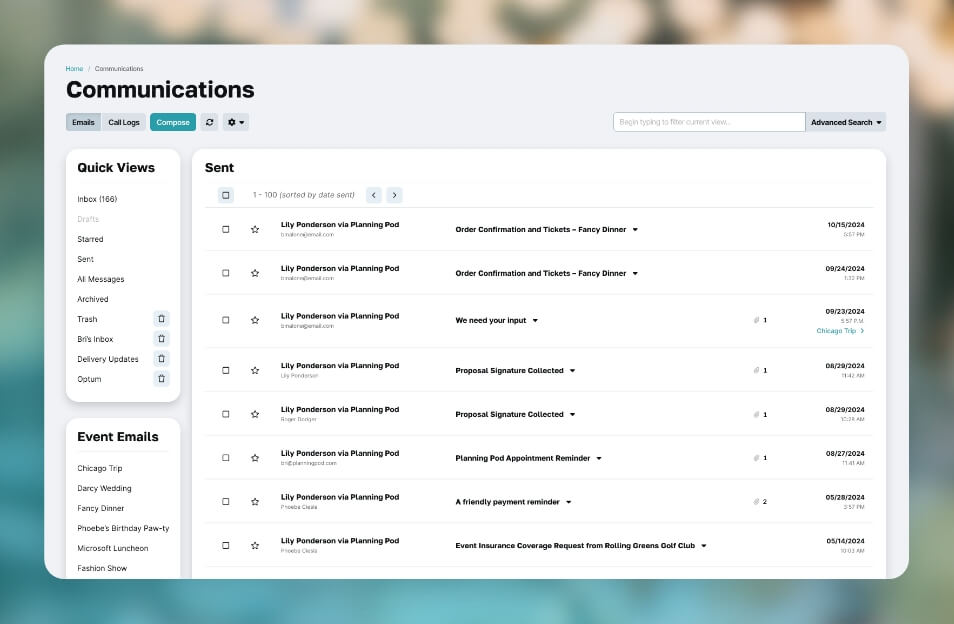
- Email communications - Facilitates internal communications with team members and staff as well as with clients and prospects via event email communications tools, plus integrations with your current email addresses or platforms (like Gmail, Yahoo!, iCloud, and Outlook email).
- Dashboards - View all recent activities and assignments for a 30,000-foot overview of your events.
- Email and text reminders - Set automated reminders for assigned tasks so you don't have to constantly follow up to make sure things get done.
- File storage and file sharing - Upload and organize files for your events and allow other users to view and download them.
- Shared calendars - Add appointments, meetings, calls, etc., to a calendar that everyone assigned to the event can view and sync to their own electronic calendar.
- To-do's and task management - Create to-do lists and schedule and assign tasks to clients and team members.
- Wedding budgets - Create line items and categories to track wedding expenses and payment to vendors.
- Wedding checklists - Manage lists of items like packing lists or rental item lists.
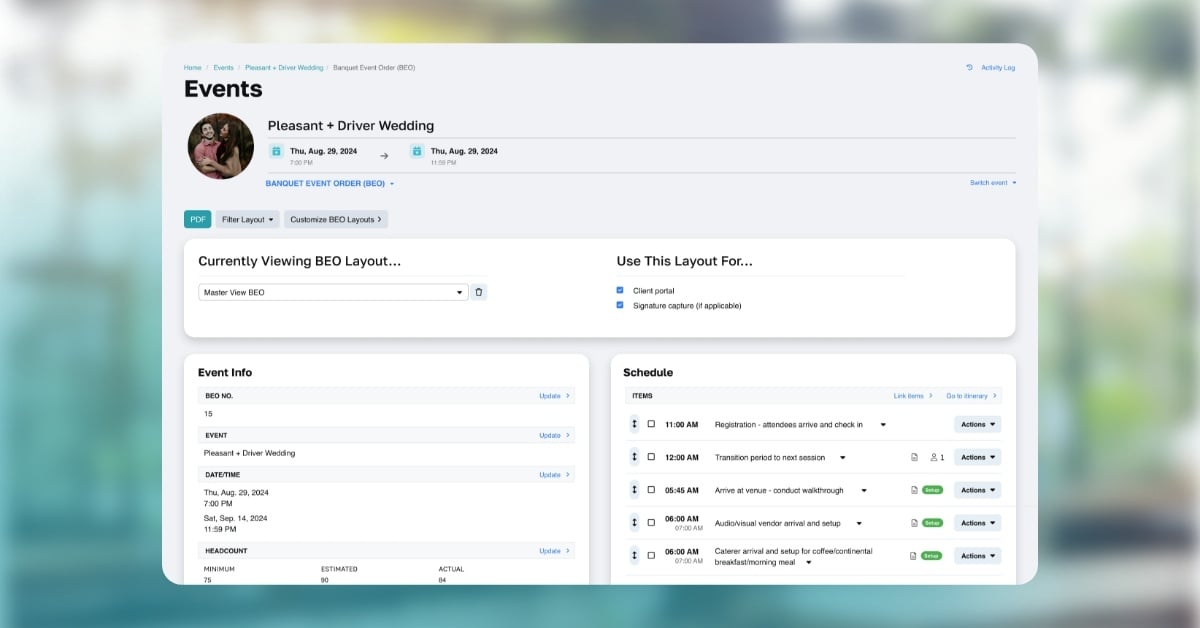
- Wedding timelines / itineraries - Build detailed, down-to-the-minute schedules for your event days that include vendor, staff, and room assignments.
- Wedding worksheets - Track details for certain areas of each wedding like transportation, audio/visual, entertainment, catering, and rental details.
Does it streamline my business and financial operations?
Ideally, a solid wedding planning software suite will lead you toward a more efficient set of processes and workflows to make the business side of your operations more efficient and so you don't let any revenues slip through the cracks. As such, it will need to include tools for handling clients and billing such as:
- Contact management / CRM - Track the contact information for all your business contacts, including prospects, clients, vendors, contractors, etc.
- Contracts and e-signatures - Lets you build contract templates and email your contracts to clients to collect signatures online.
- Bookings calendar - Track all weddings you have booked with an electronic event bookings calendar to ensure no double-bookings.
- Inventory management - Upload your inventory/rentals and allocate inventory to events.
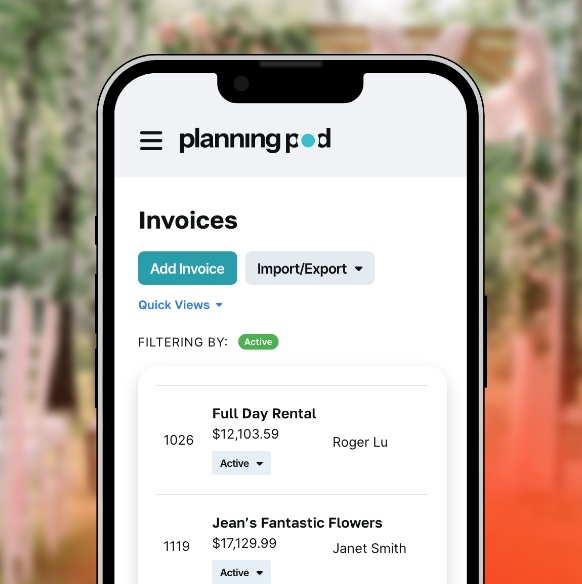
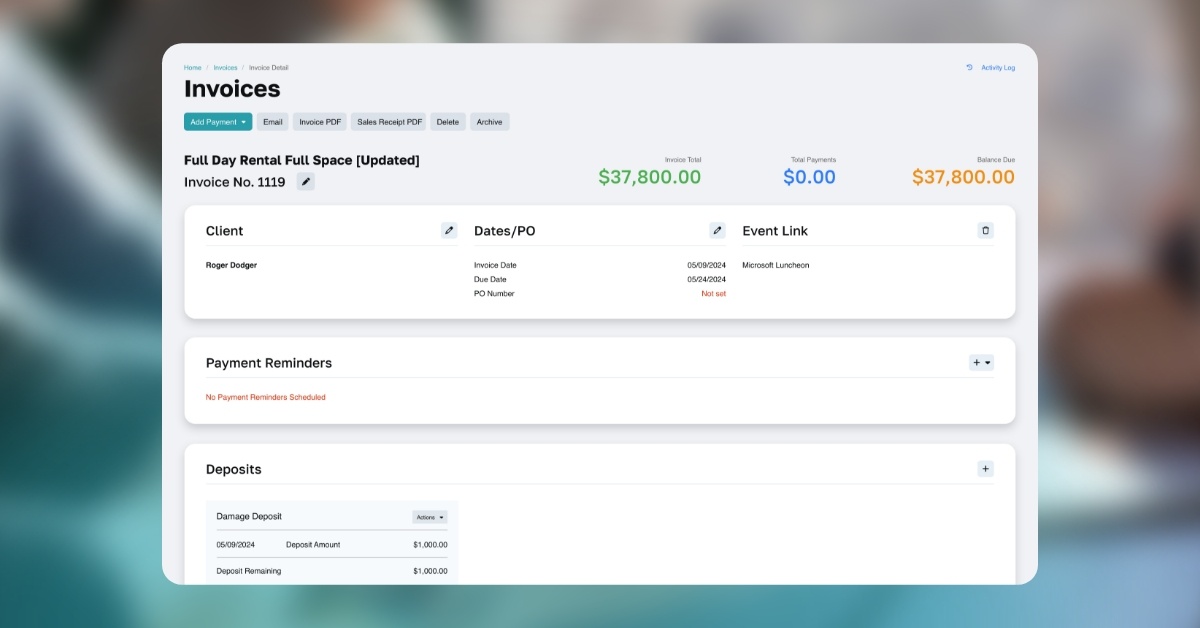
- Invoicing - Create accurate, professional-looking invoices with itemized line items and clear descriptions.
- Payment processing - Collect credit card payments online for invoices; schedule payment reminders for clients paying in installments
- Reporting - Download event, financial and guest reports for your events that you can open into Excel or Google Sheets.
- Templates - Build reusable templates for invoices, proposals, etc. to save time.
Can I create designs and share visual ideas?
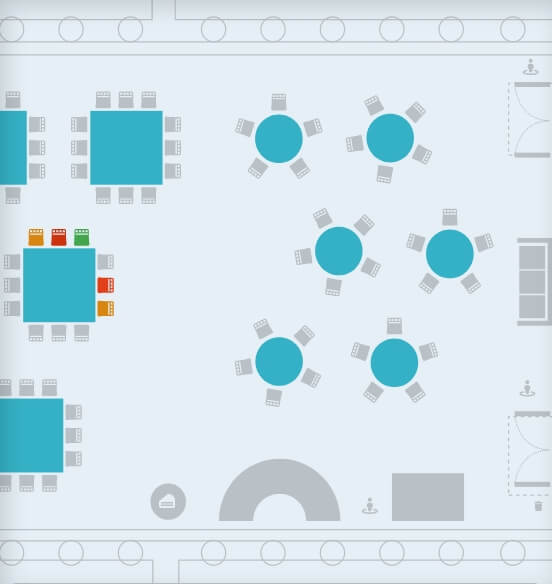
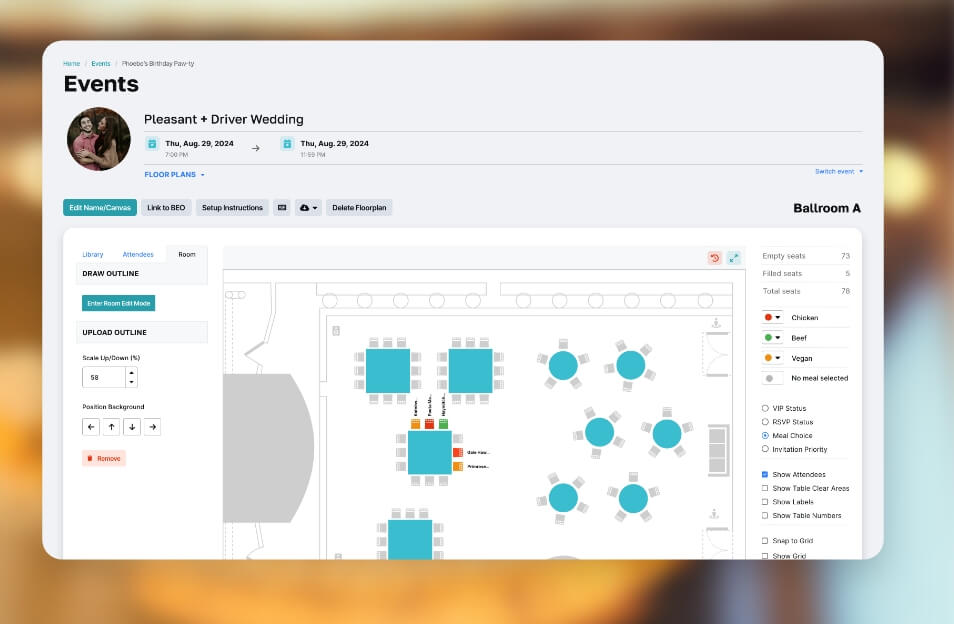
One expectation couples have from a wedding planner is to take their vision and make it come to life, and the first step in doing this is building colorful floor plans and seating charts. As such, top programs will have a wedding floor plan software tool for creating layouts and table charts so clients can sign off on what you are proposing.
Also, with the popularity of Pinterest as a visual brainstorming tool, online wedding planner apps may either integrate with Pinterest or offer their own vision board / mood board tool for sharing pins and ideas with clients.
Will it help me with sales and marketing?
Selling your wedding planning services may be the most difficult part of running your business because it is never easy demonstrating the value of something intangible like wedding planning. Although wedding planning software can't sell your service for you, it can certainly provide you with tools for managing the process so you follow up with prospects adequately.
Such tools would include some sort of lead management feature for managing prospects, scheduling follow ups and tracking where they are at in your pipeline. Proposal builders are also very helpful in giving you an automated way to create professional estimates that prospects can sign off on. And finally, some platforms have their own or have relationships with directories for wedding vendors and businesses so you can add your listing to those.
Does it let me manage vendors and venues?
Another big expectation of couples is that their wedding planner will take care of all the negotiations and relationships with the wedding vendors and wedding venue, so your online wedding planner program will also need to track this information.
At the least, it should offer a venue management system for tracking venue room bookings; managing catering and food-and-beverage details (like menus); and organizing details for florists, photographers, videographers, transportation and entertainment vendors. An added bonus would be travel and accommodations management tools for tracking things like hotel room blocks.
Can it track guest details and RSVPs?
Although many wedding planners leave guest management up to brides and grooms, it would still behoove you to have the tools ready for your clients so they can more easily manage these things (and so you have access to guest details when you need them for things like creating wedding seating arrangements).
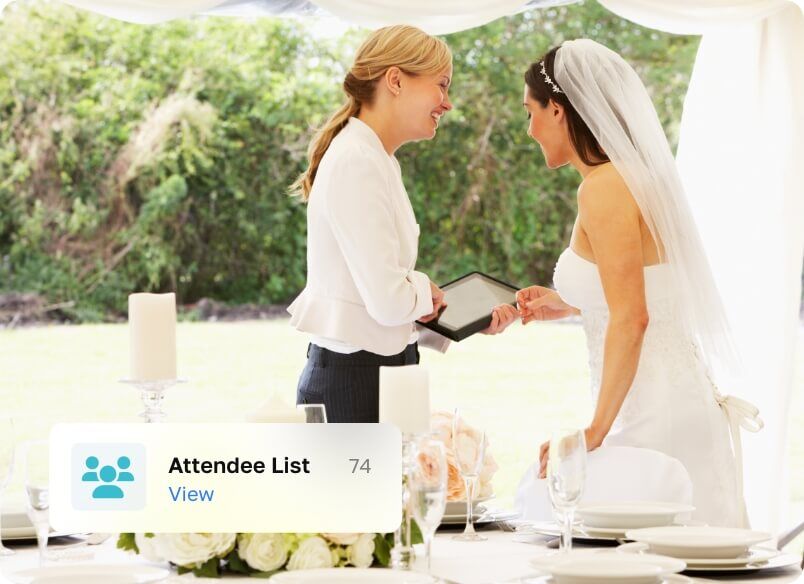
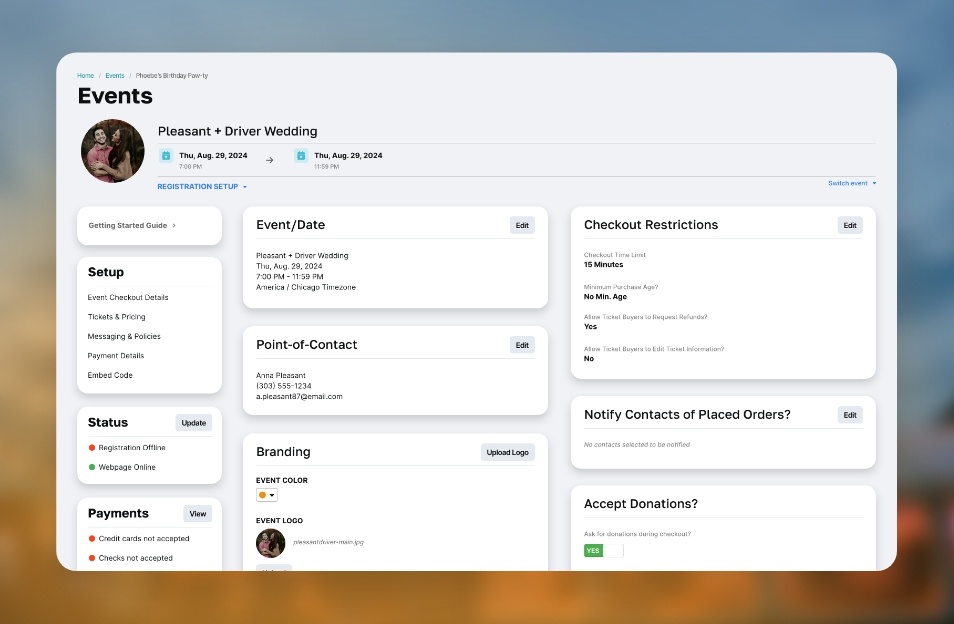
For starters, a guest list tool for managing contact information, RSVP status, meal choices, and special requests is a must. In addition, the ability to create a wedding RSVP website (where you can gather responses to custom questions) and even collect registrations/tickets (if necessary) are nice features to have.
What value-add tools can I provide to my clients?
When you are courting a client, you can sweeten the pot by providing them with complimentary tools from your wedding planning app, and here are a few more common ones:
- Etiquette blogs - Articles and images that offer wedding design and planning ideas for their big day.
- Registries - Relationships with popular retail wedding registries.
- Social media sharing - Integrations with social media platforms like Facebook, Instagram, and Twitter for sharing wedding-related tidbits.
- Wedding websites - Ability to create custom wedding websites with images, videos, color palettes, etc.
What reputation does the software have among other wedding planners, wedding bloggers and industry sites?
Not only do you need to do your own due diligence and test drive multiple wedding and event planning software options, but you should also research wedding blogs and wedding websites in the industry for any reviews on the software programs you are checking out. This information along with your own research should give you a very clear picture as to whether a particular platform is right for you.


 Industries